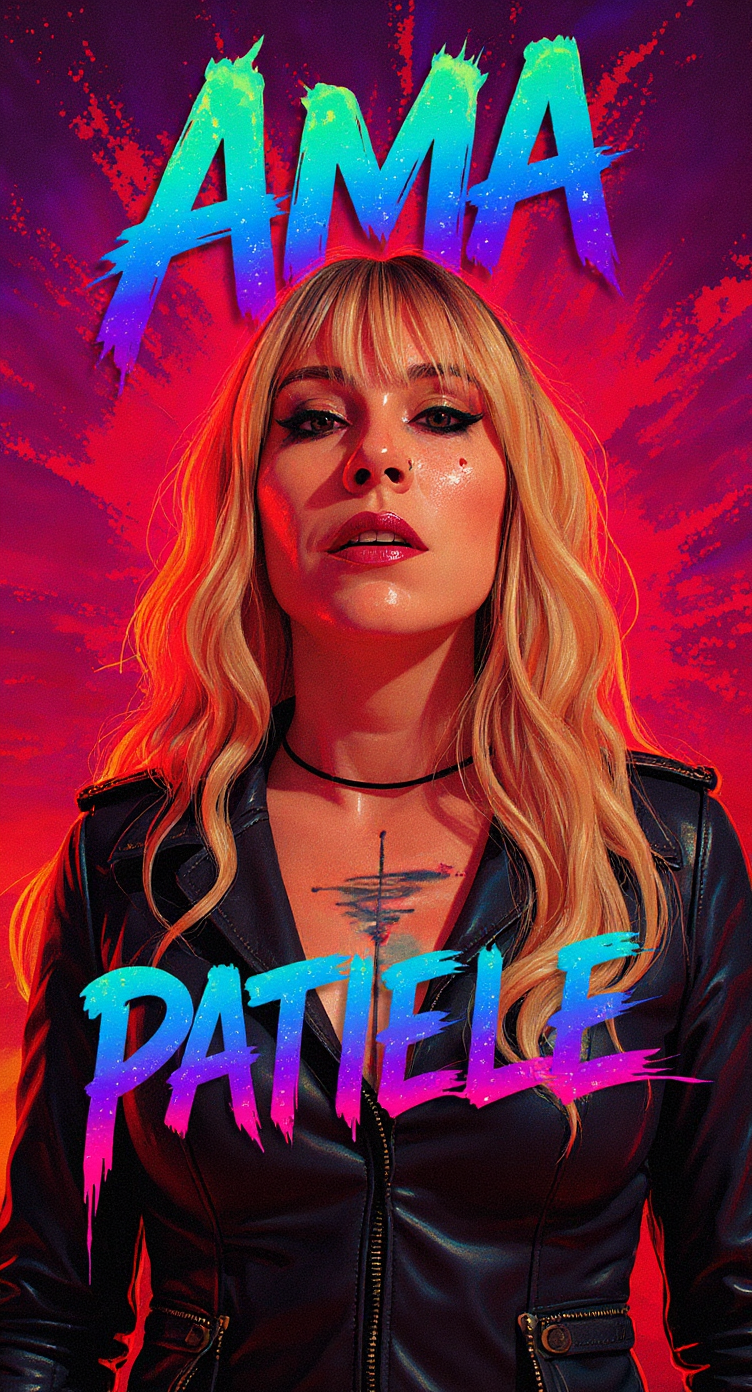
I’m currently building this hybrid production workflow to tackle the two biggest hurdles in the AI creative space today: achieving total character consistency and reducing the high costs of traditional VFX. This project is a Work in Progress, serving as a pilot to prove that AI isn’t just a tool for generating random images, but a reliable engine that can be integrated into a professional, broadcast-quality pipeline.
The core of my approach is a 10-step system that blends classic storytelling with high-tech automation. I start with a traditional script and shot breakdown, but I’ve evolved the process by designing a proprietary art direction matrix that translates visual ‘vibes’ into structured data. To solve the consistency issue, I’m training custom LoRA model for our lead character, and creating character and object sheets for the other characters and models, ensuring their look remains identical across every single environment.
One of the key mechanisms I’m testing here is resource optimization. I’ve implemented a mandatory ‘still-frame animatic’ phase to lock in the rhythm of the piece before committing any budget to video generation. This ‘frugality-first’ mindset allows me to iterate fast and fail cheap. Even in this WIP stage, the workflow is already delivering a significant reduction in production time compared to traditional methods, all while maintaining full legal compliance by using Adobe Firefly’s content credentials and manual creative oversight.
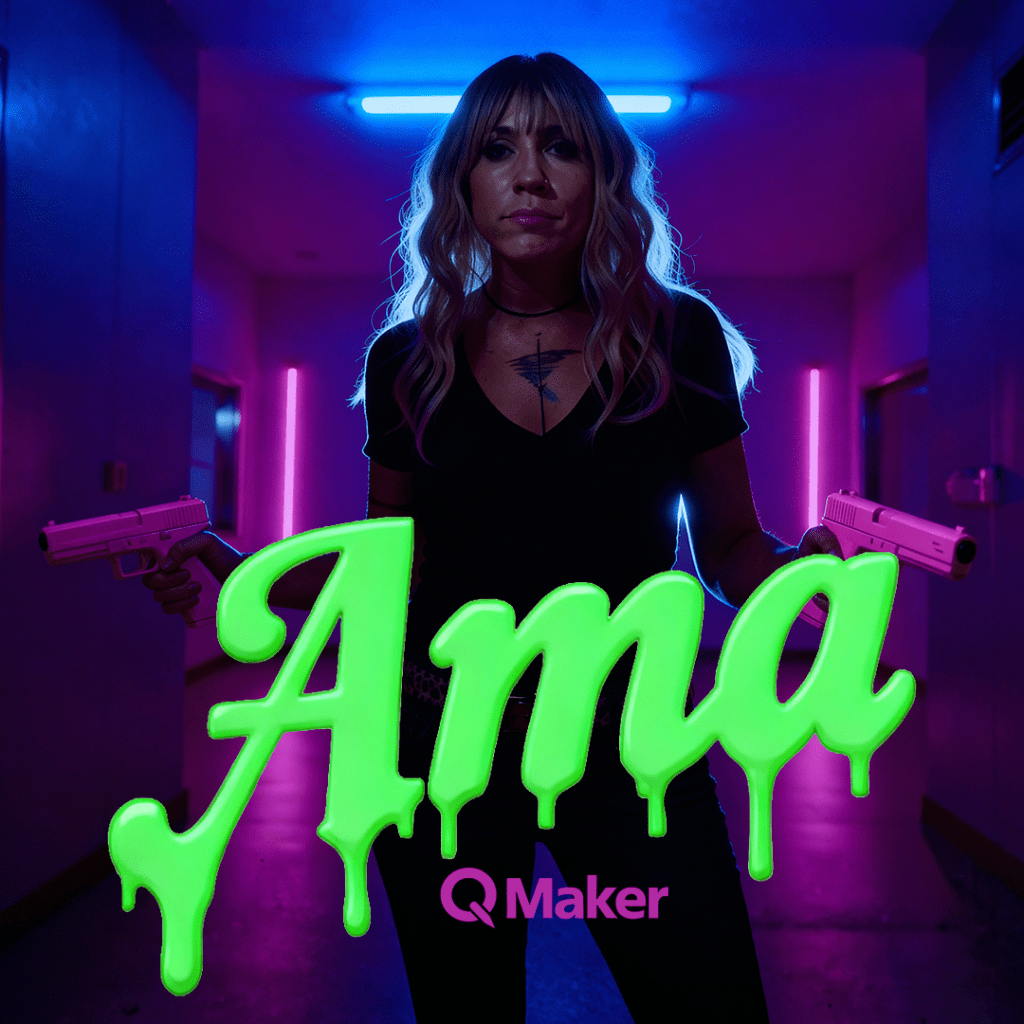
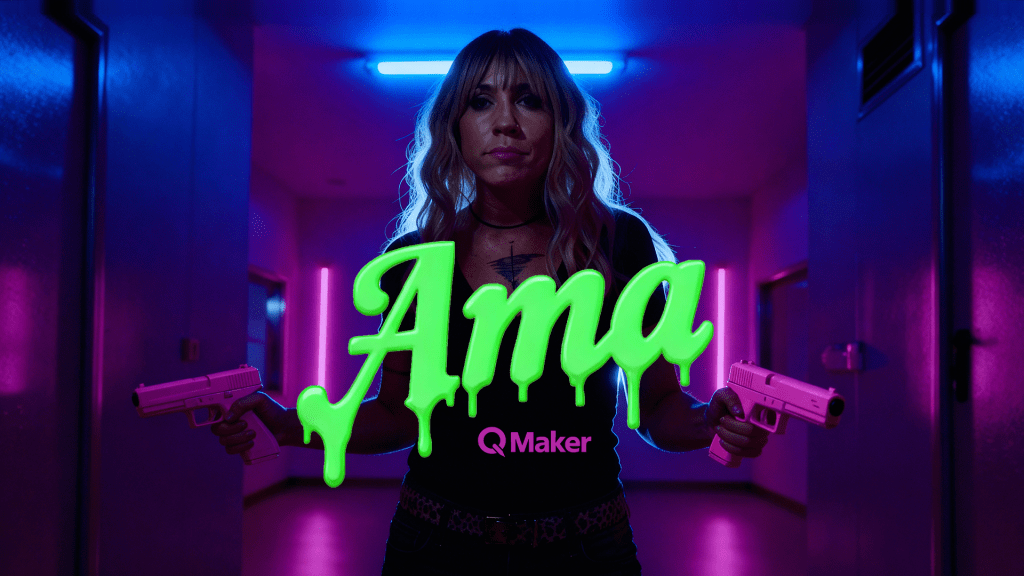


Proprietary Art Direction Framework:
This is one of the foundational blueprints I’ve developed to anchor the entire production. Alongside dedicated frameworks for characters, camera movement, and lighting, this document allows me to take specific visual details and inject them directly into every prompt. By using these parameters, I ensure the art direction stays rock-solid across every shot, removing the randomness typical of AI. I’ve turned a generative process into a repeatable mechanism where high-quality results are a predictable standard, not a lucky accident.
Pipeline
I have already completed the first major milestone of this project: generating the initial mass concepts you see below. By using a nodal system and automated prompt lists, I’ve been able to rapidly explore the visual language of the video at scale.
My next steps in the pipeline are focused on legal security and technical refinement:
Final Motion & Export: The roadmap concludes with a batch-process for video generation, followed by final compositing and editing in Premiere. The end goal is a high-fidelity music video with certified Content Credentials integrated from the first concept to the final frame.
Legal Validation: I will process these initial concepts through Adobe Firefly to establish a foundation of full legal compliance and brand safety.
Master Asset Development: From those validated images, I will develop comprehensive character, object, and scenery sheets using advanced ‘Pro’ models to serve as the project’s visual source of truth.
Mastering & Provenance: Every final shot will be retouched in Photoshop, where I will export the Content Credentials to ensure full transparency and metadata tracking.
Script-Driven Production: I will then generate the final shots in batches, directly driven by the script. At this stage, I will inject a custom-trained Style LoRA, or character and object sheets, to ensure every frame perfectly matches my specific art direction.
Environments
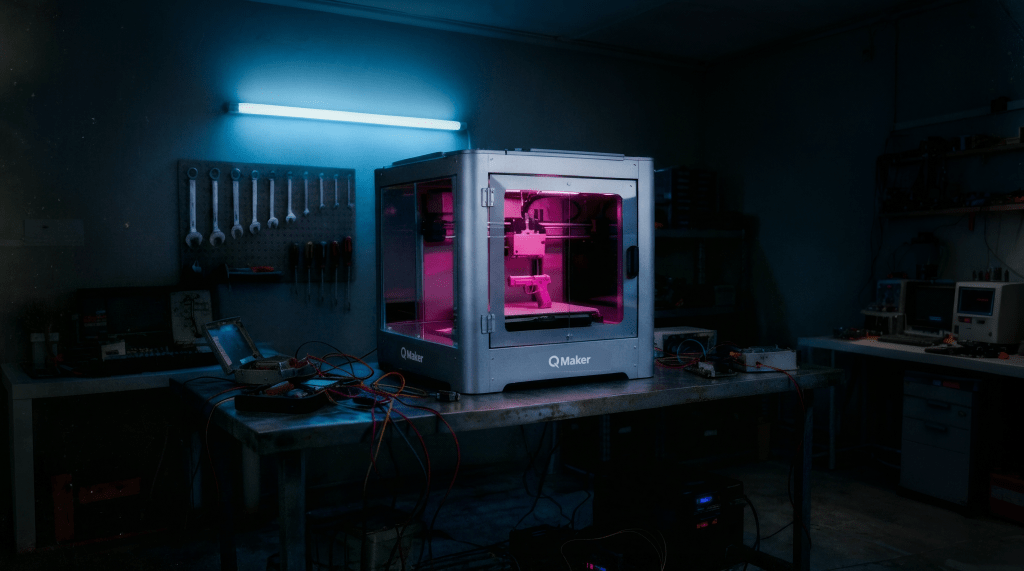
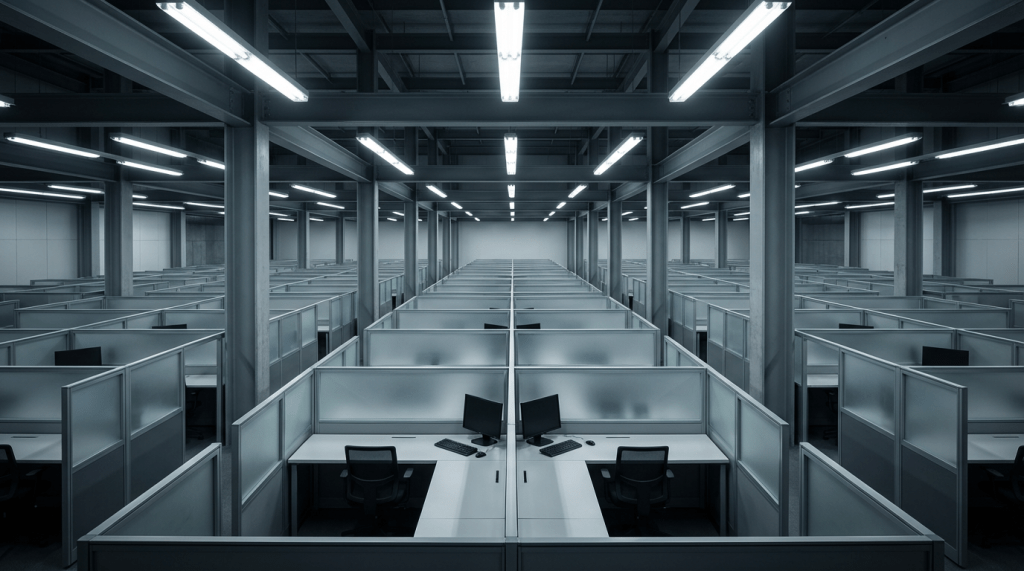
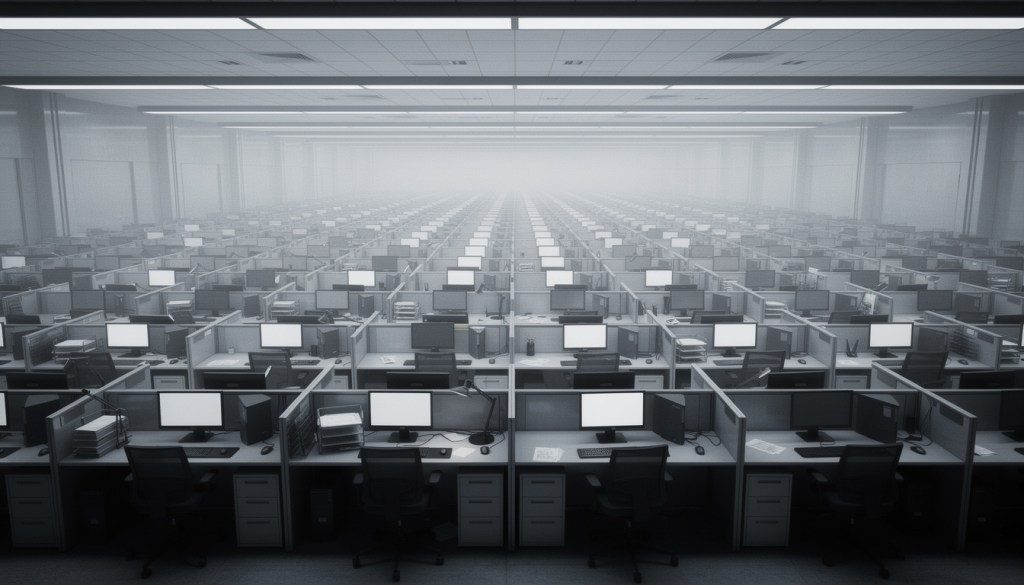
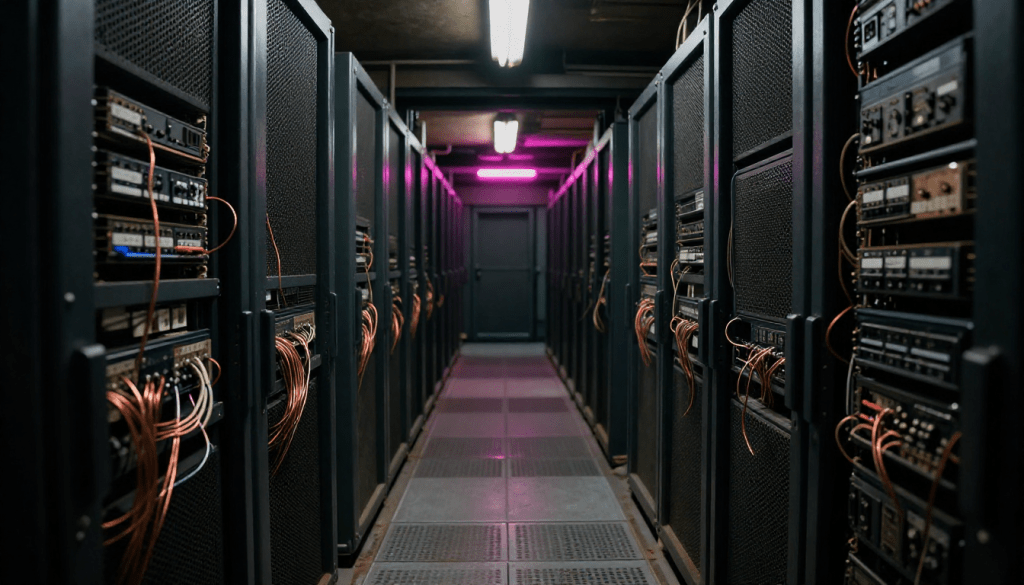
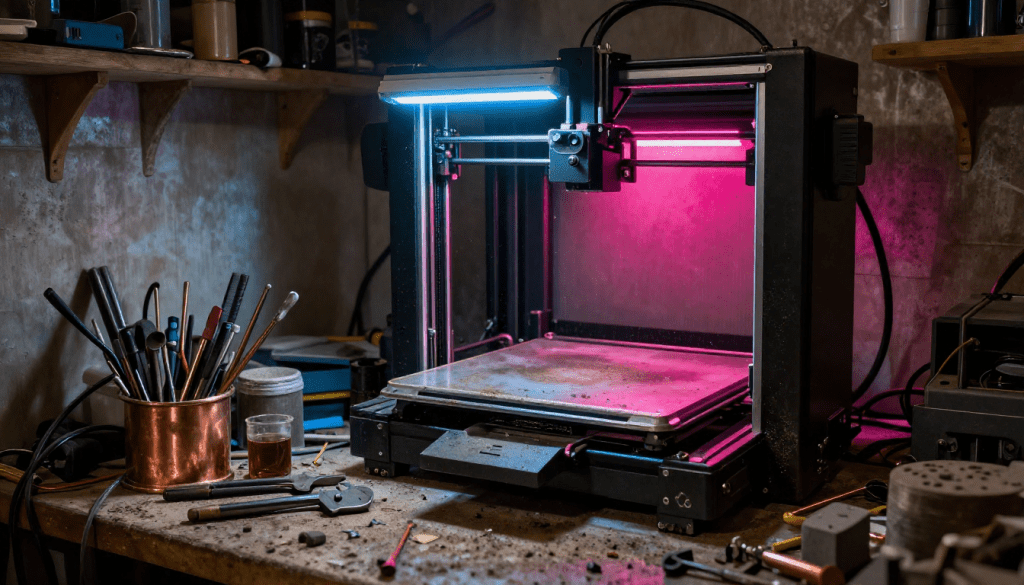
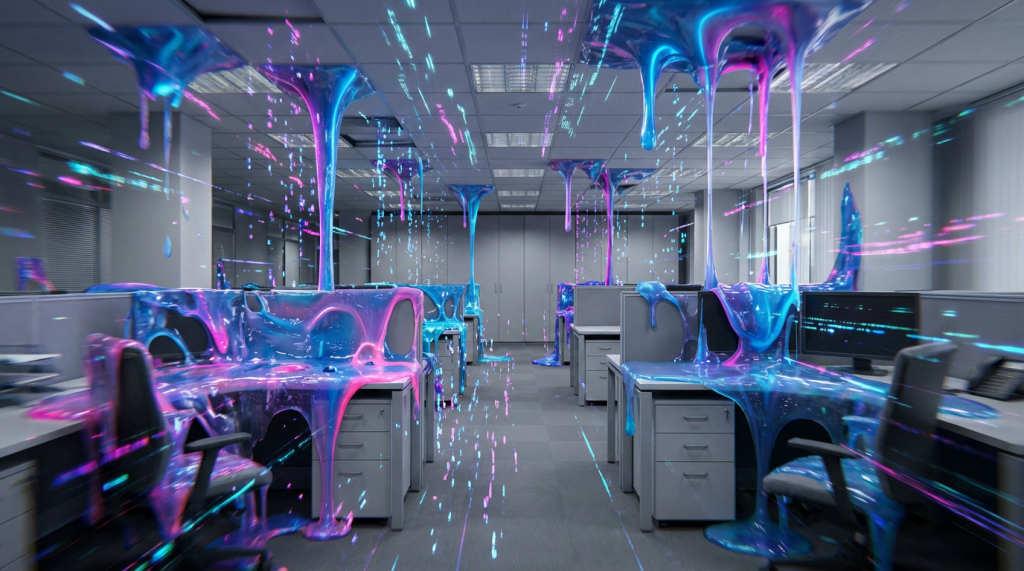
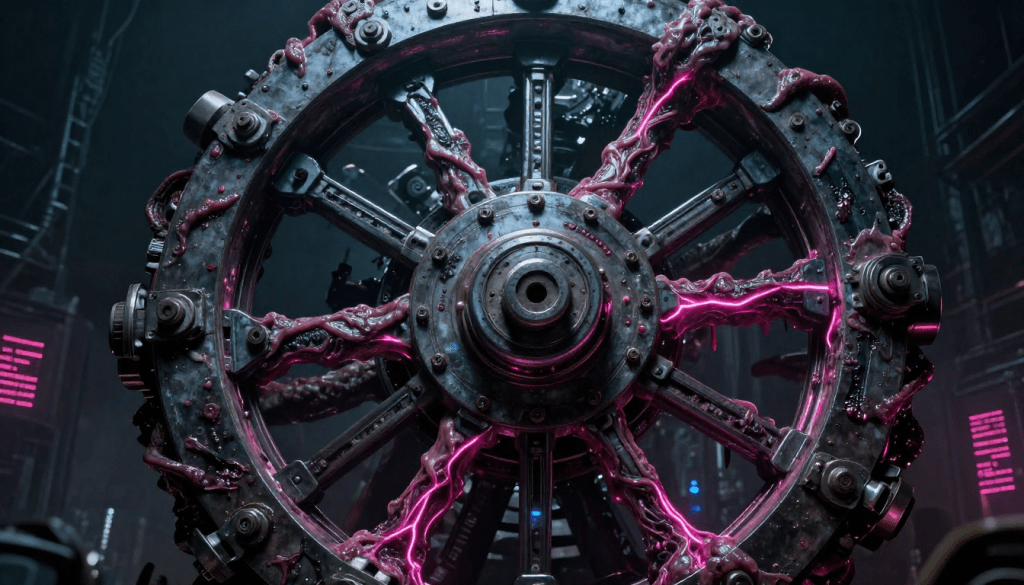
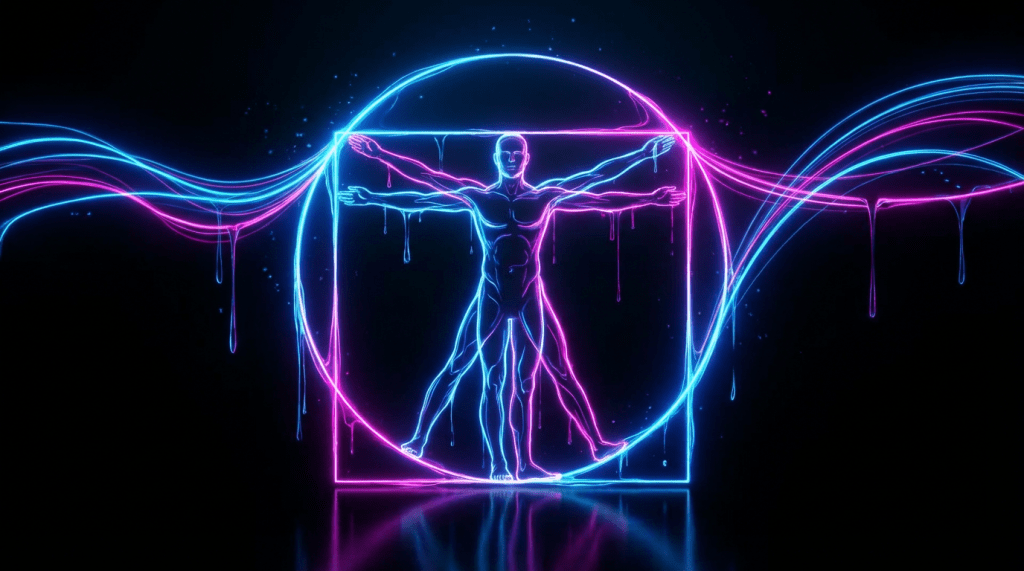
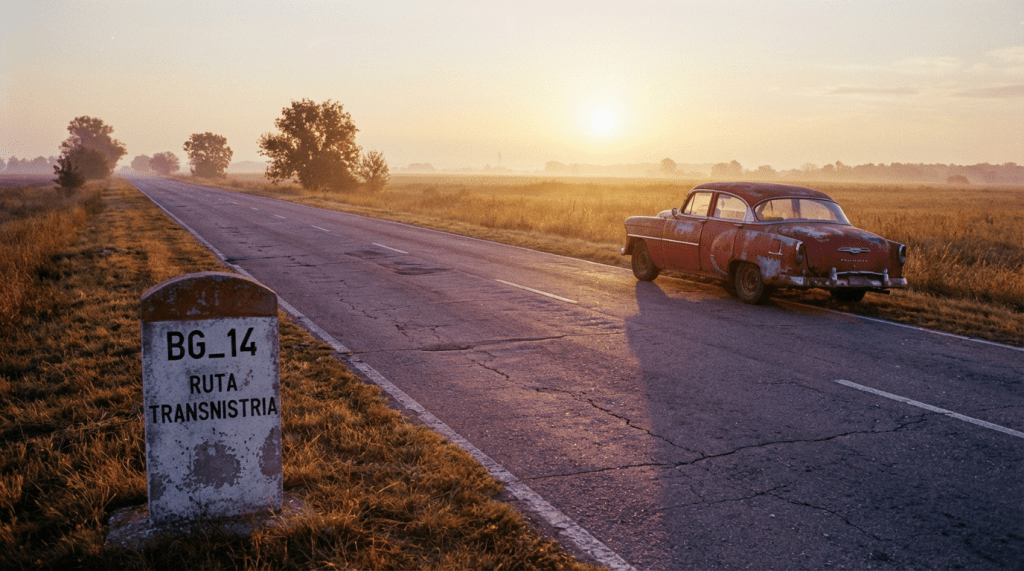
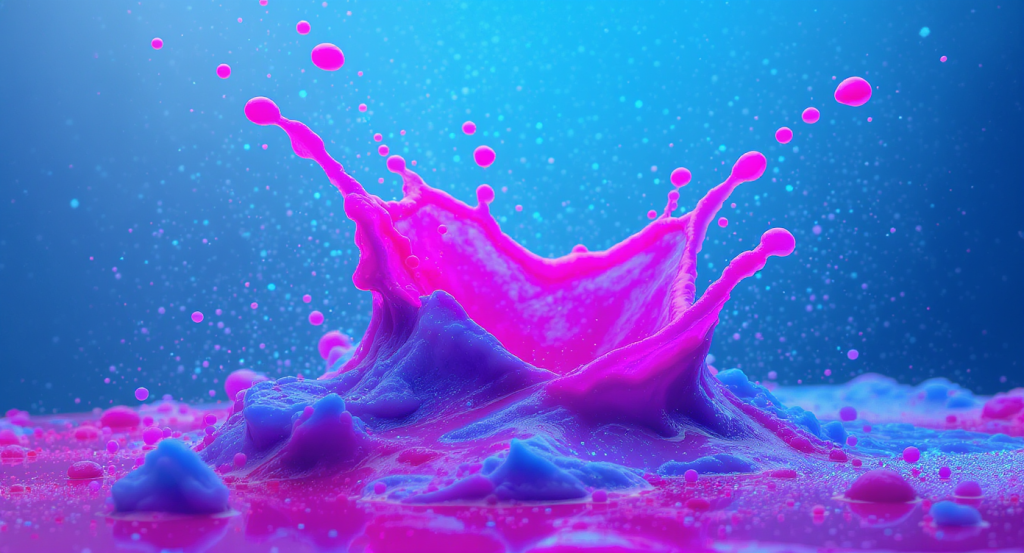
These environments were developed through an automated pipeline that pulls visual data directly from the project’s plot and art direction blueprints. By linking the narrative’s ‘DNA’ directly to the generative process, I’ve created a scalable system that ensures every set is perfectly aligned with the story’s tone and aesthetic. This mechanism allows for rapid, high-fidelity world-building while maintaining absolute creative control and consistency across the entire production.
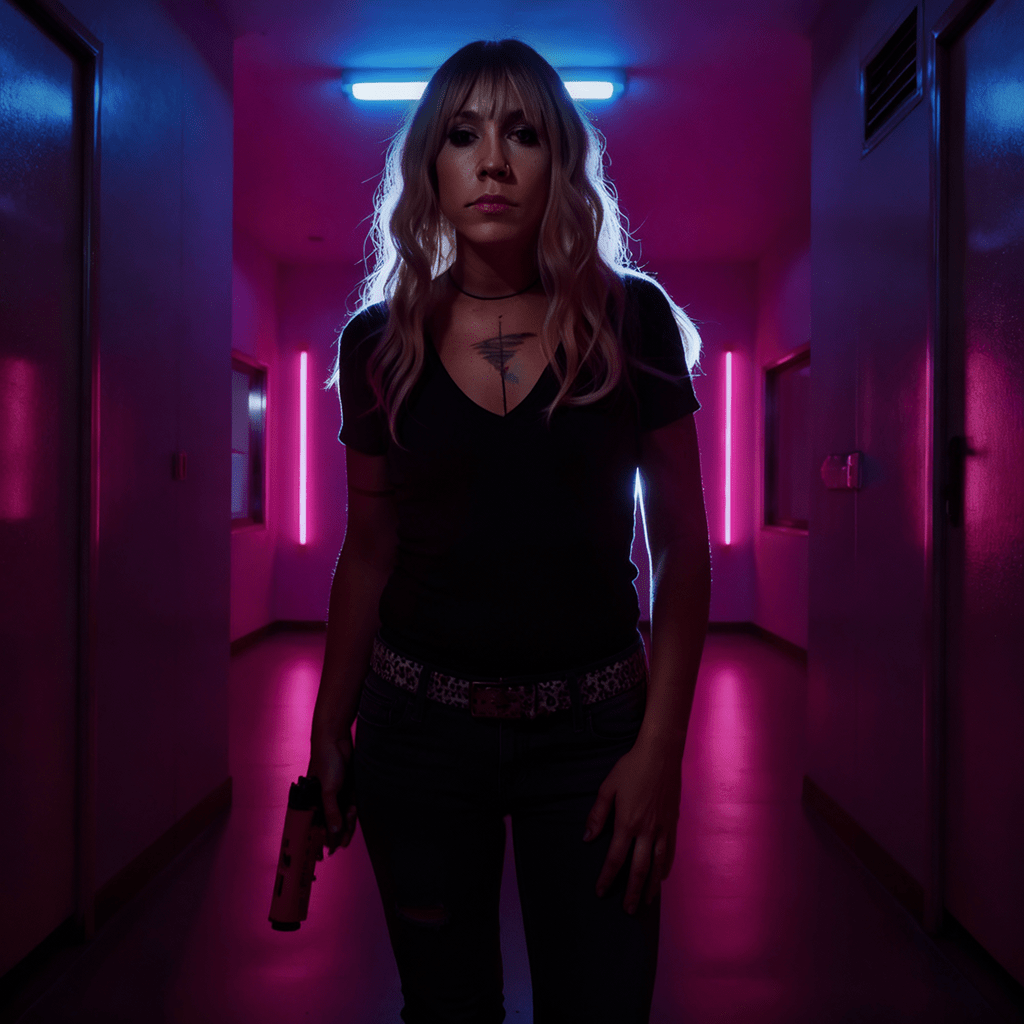
Character Architecture: Narrative-Driven Consistency
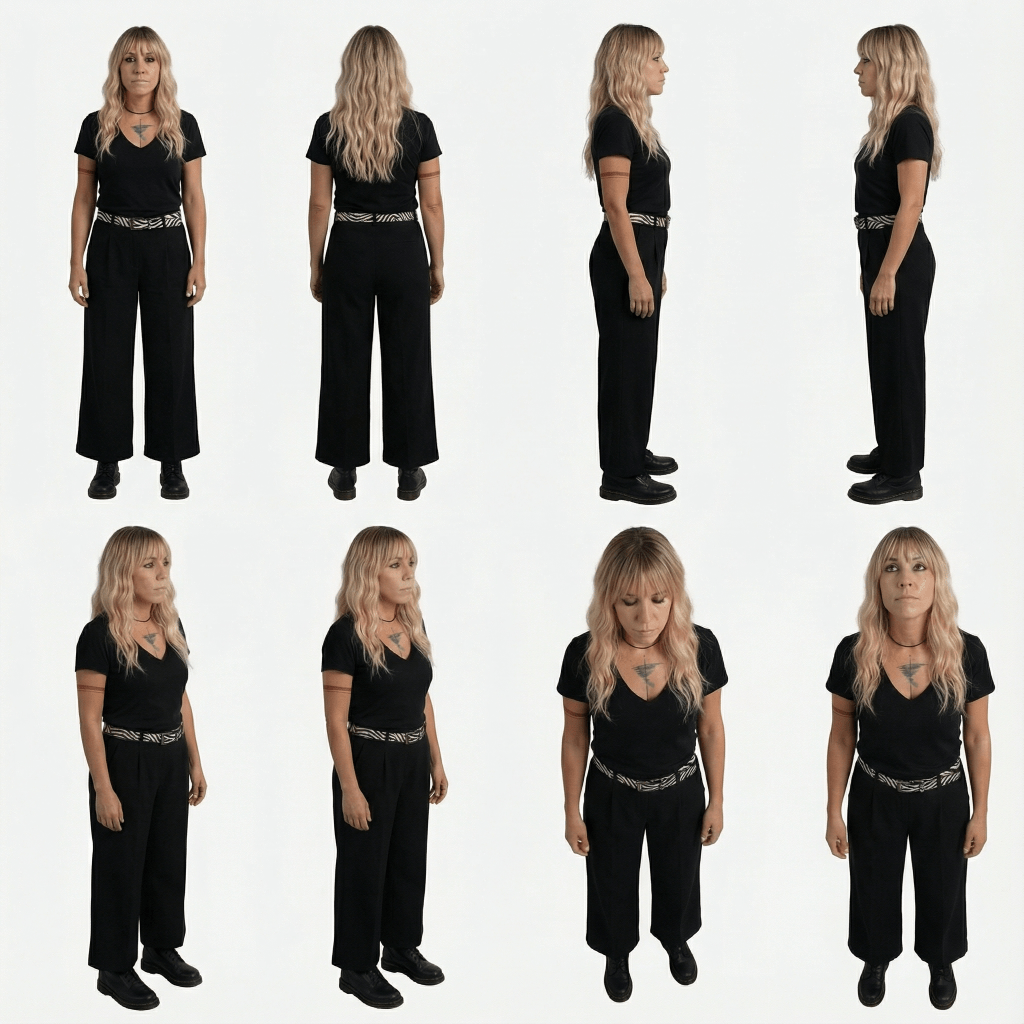
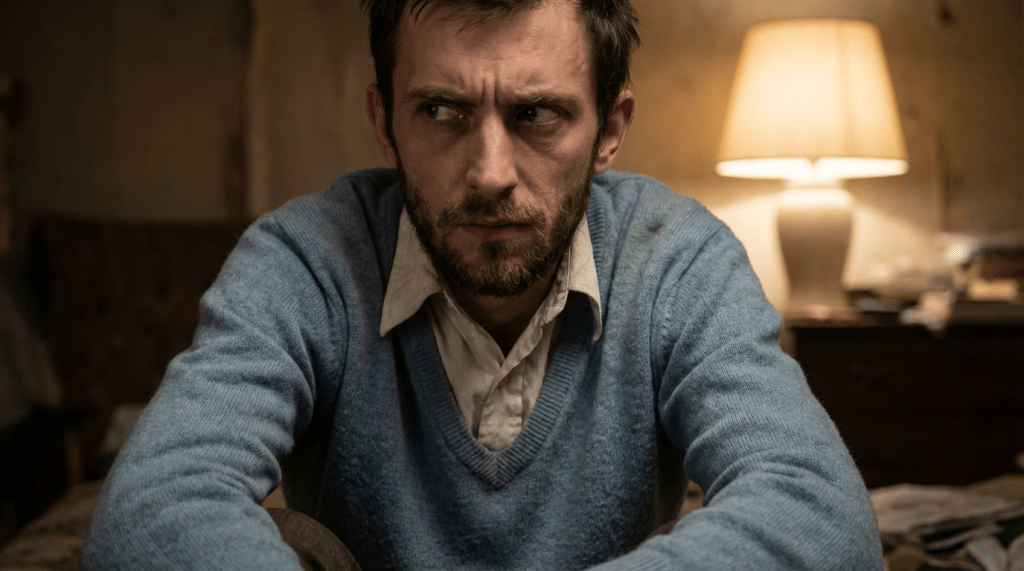
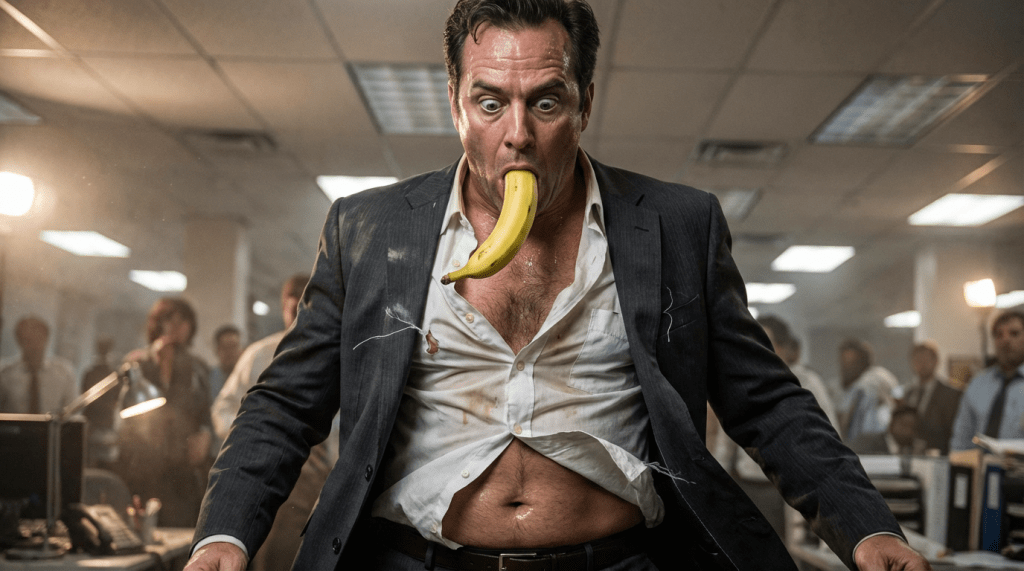
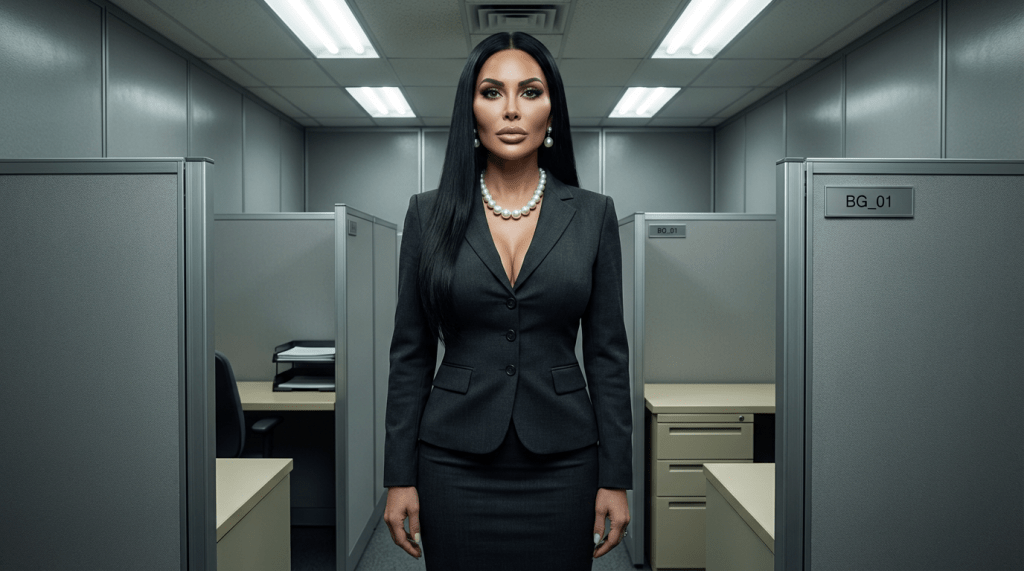
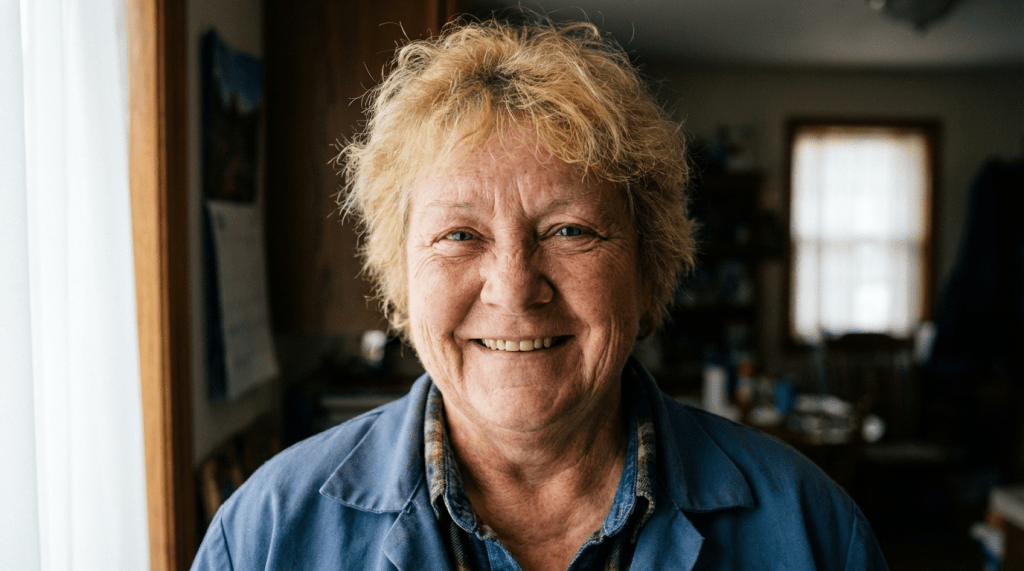
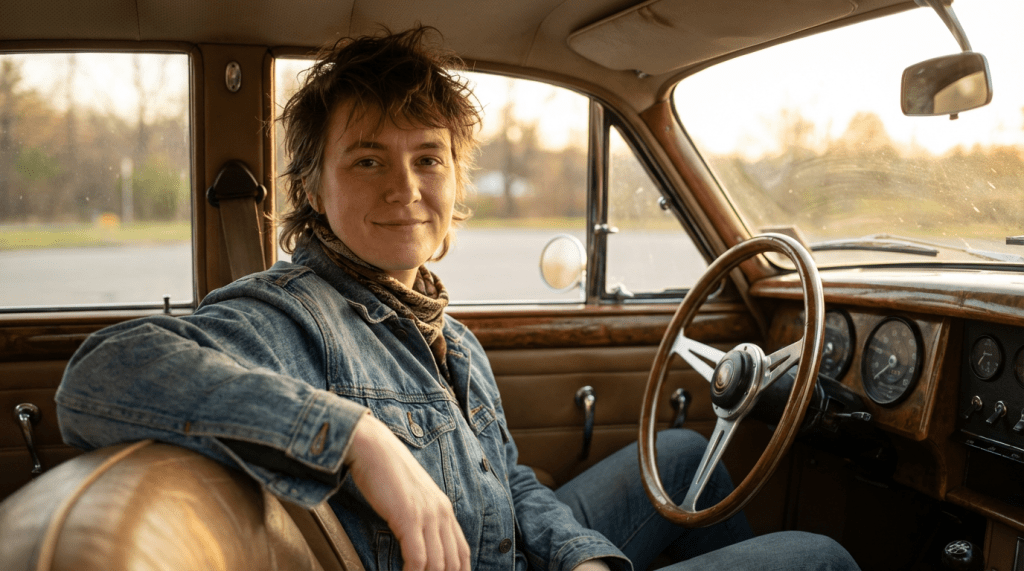
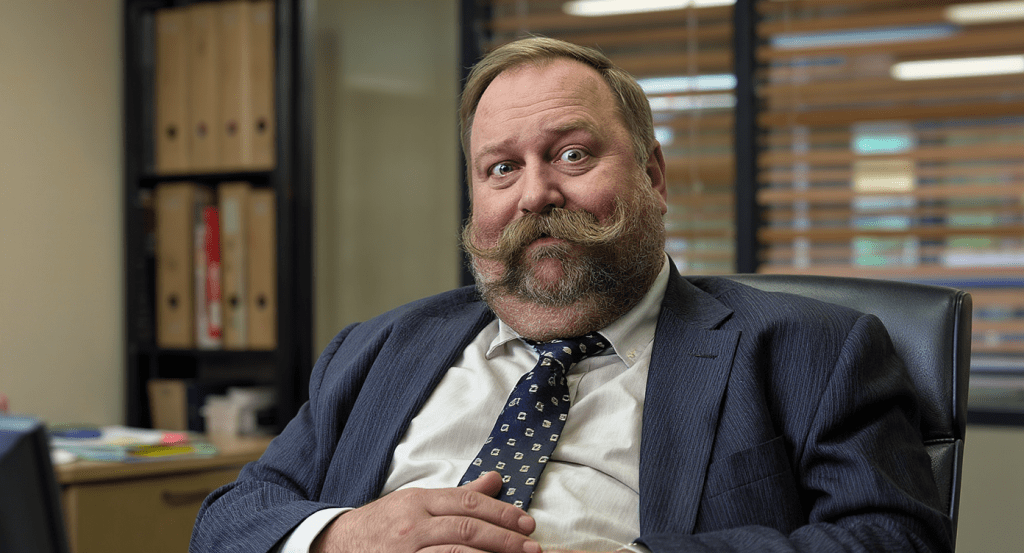
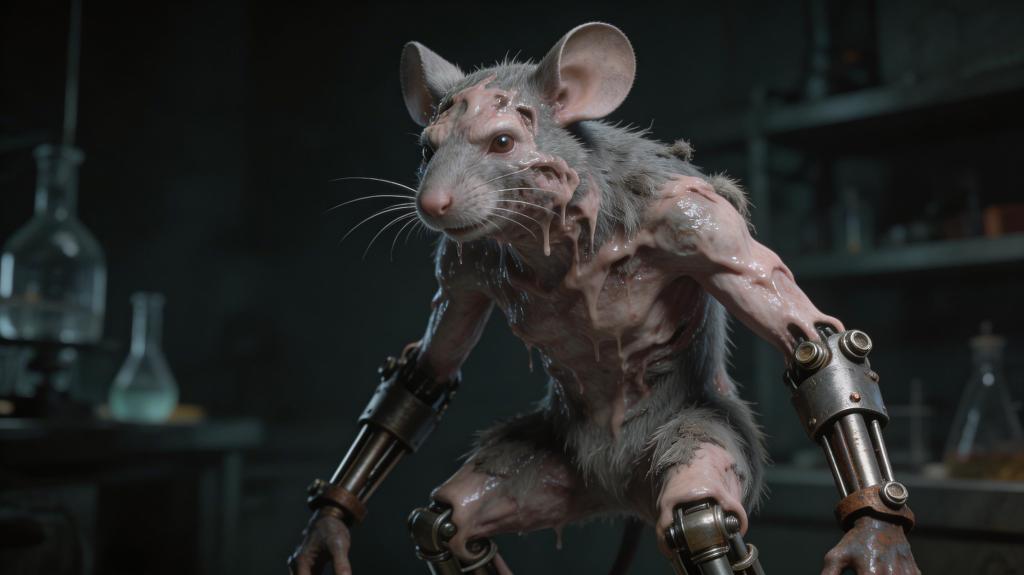
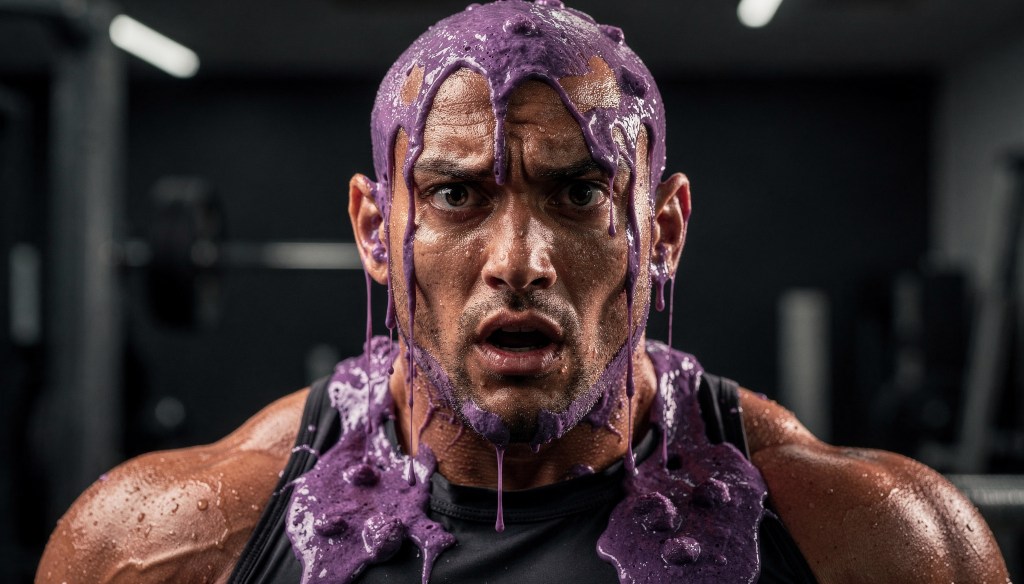
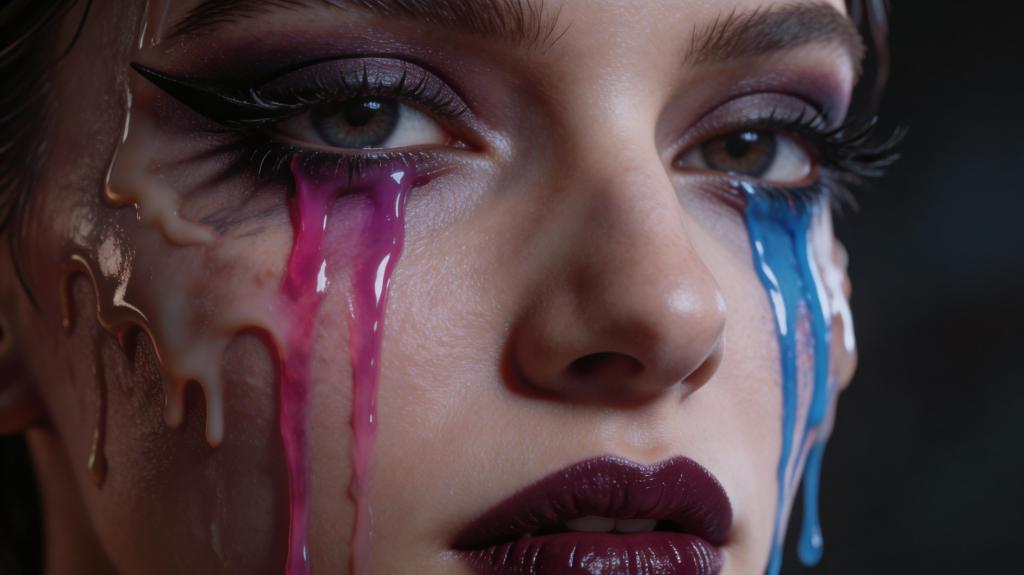
These characters were developed using an automated extraction process that pulls specific traits directly from the project’s plot and my art direction blueprints. By linking the narrative’s ‘DNA’ to the generation engine, I’ve established a scalable system where every character—from the lead ‘Ama’ to the supporting cast—remains visually consistent across every environment. This mechanism eliminates the randomness typically associated with AI, ensuring that our characters are strictly defined by the story’s requirements rather than by chance.
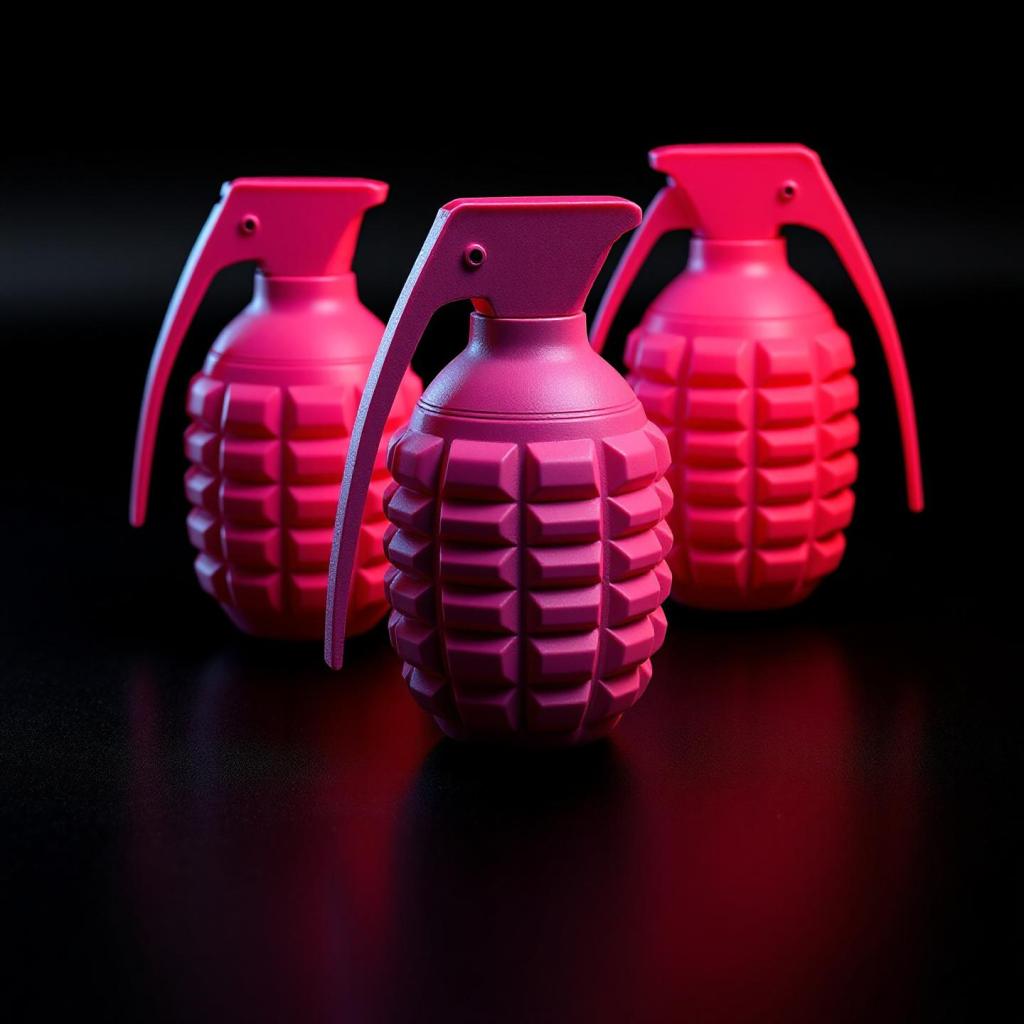
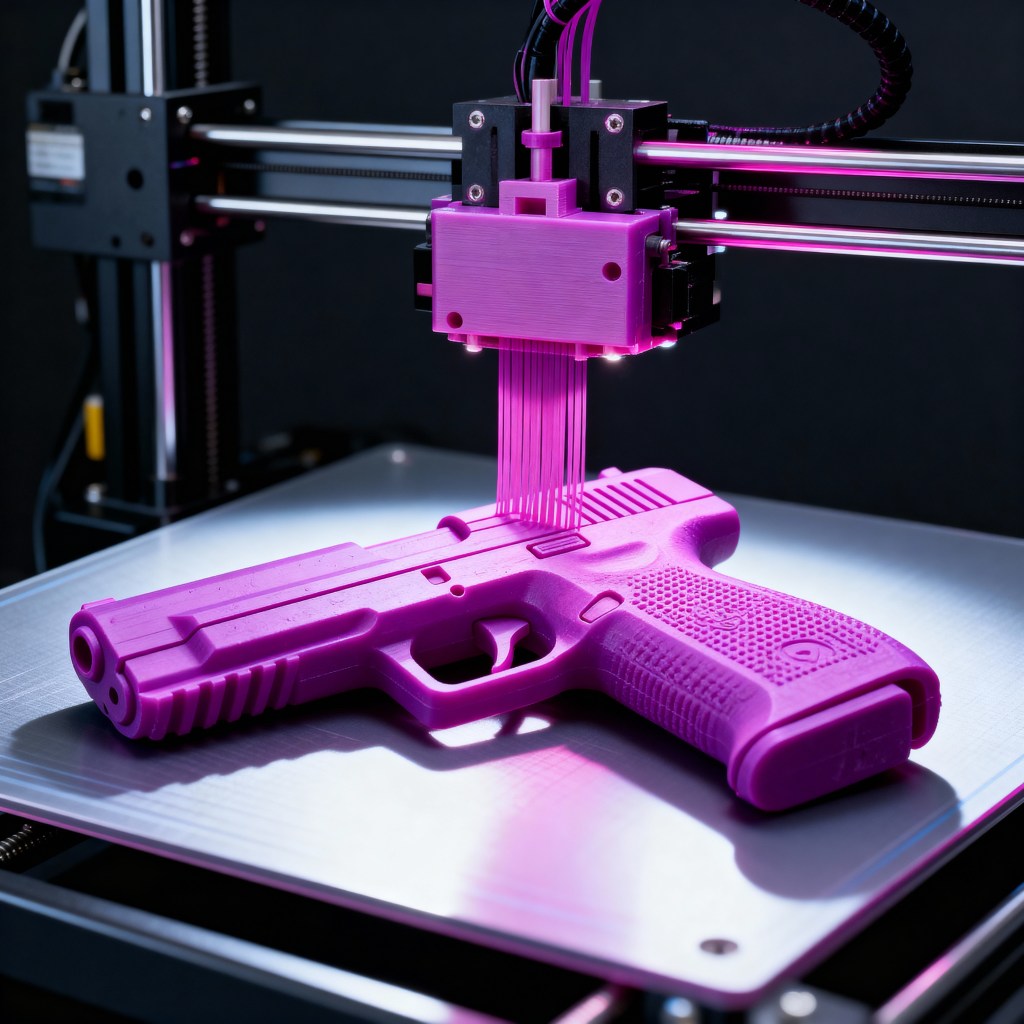
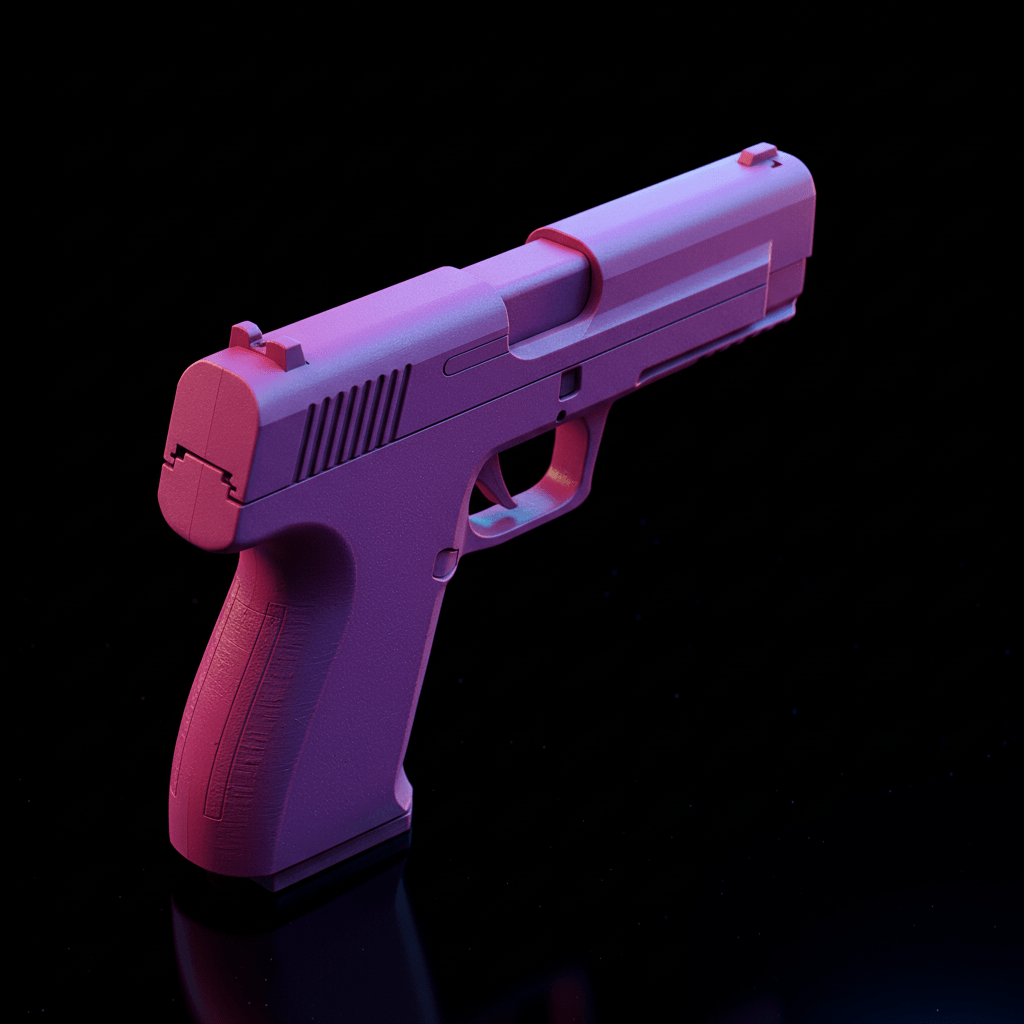
Strategic Asset Generation: Narrative-Driven Visual Components
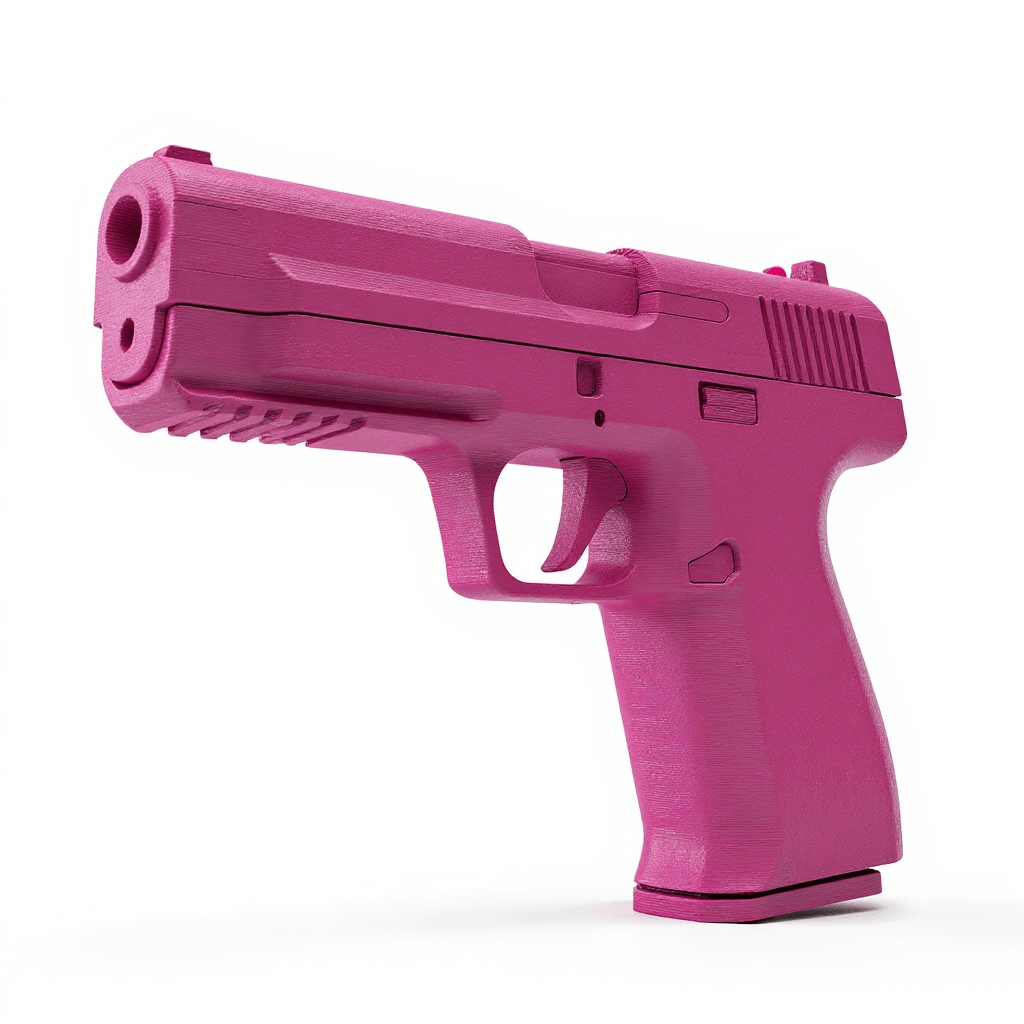
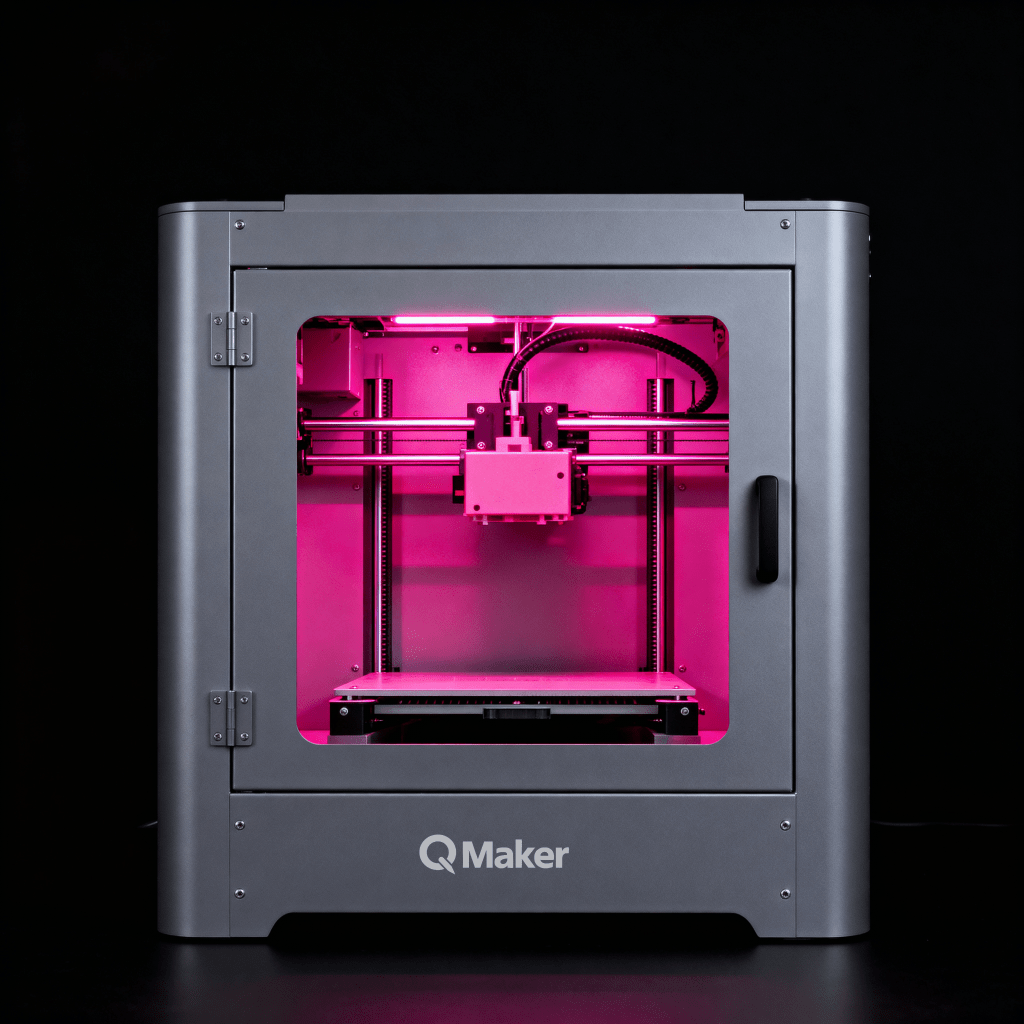
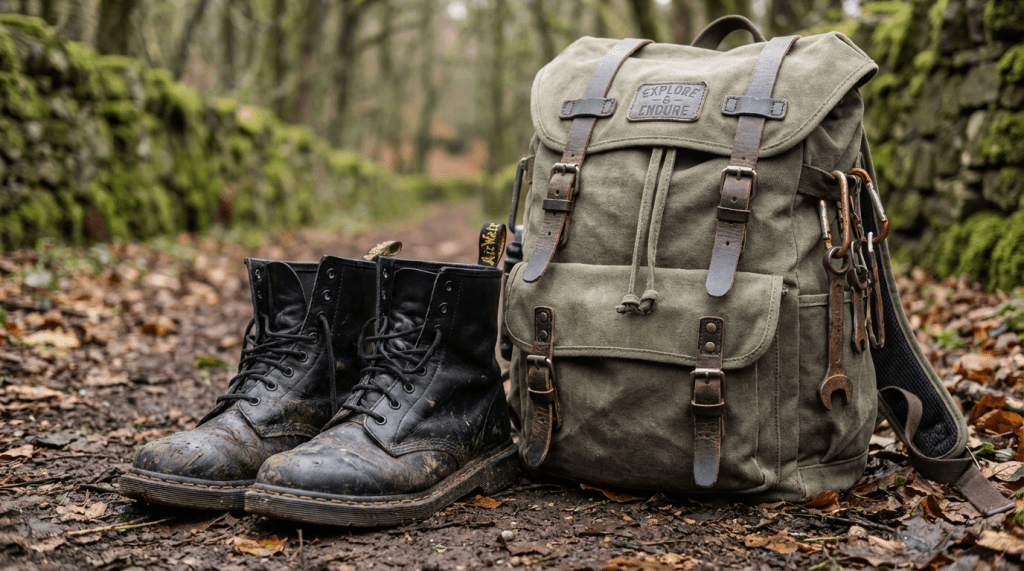
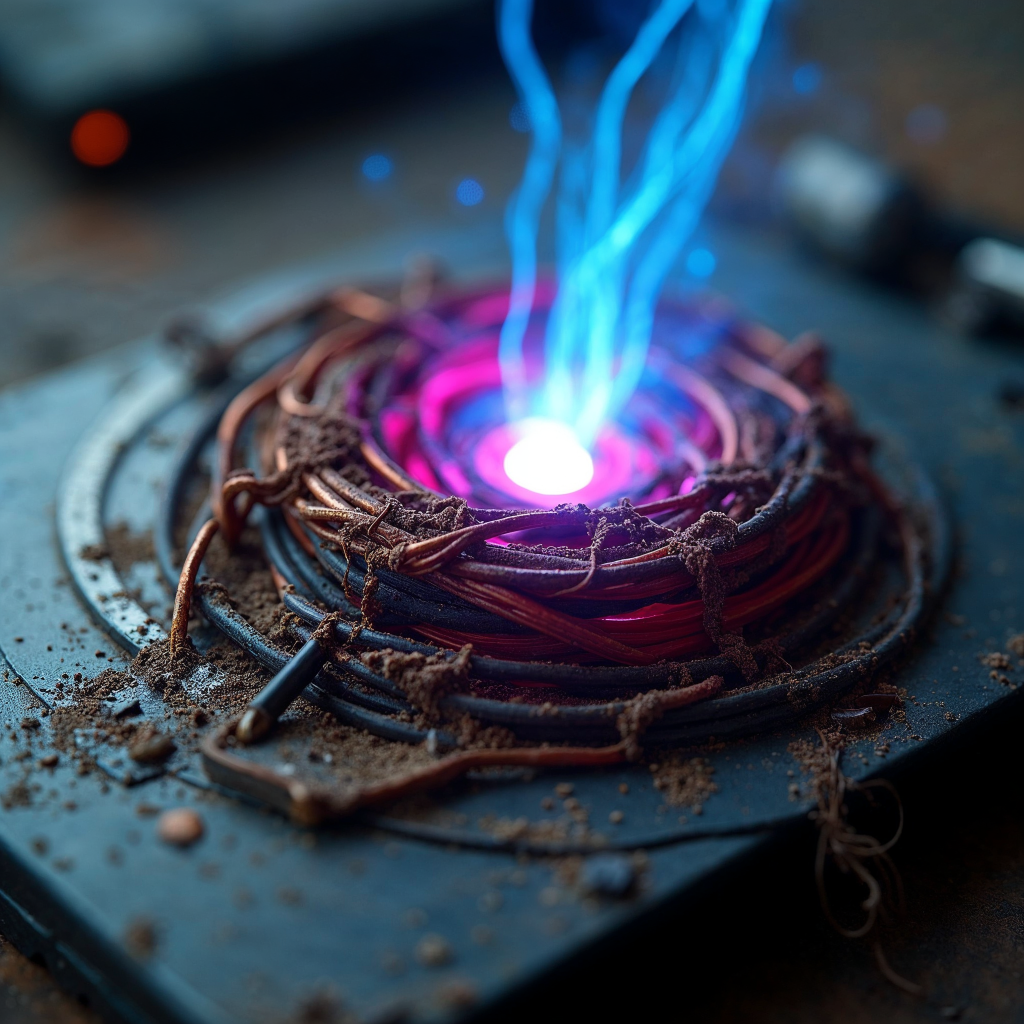
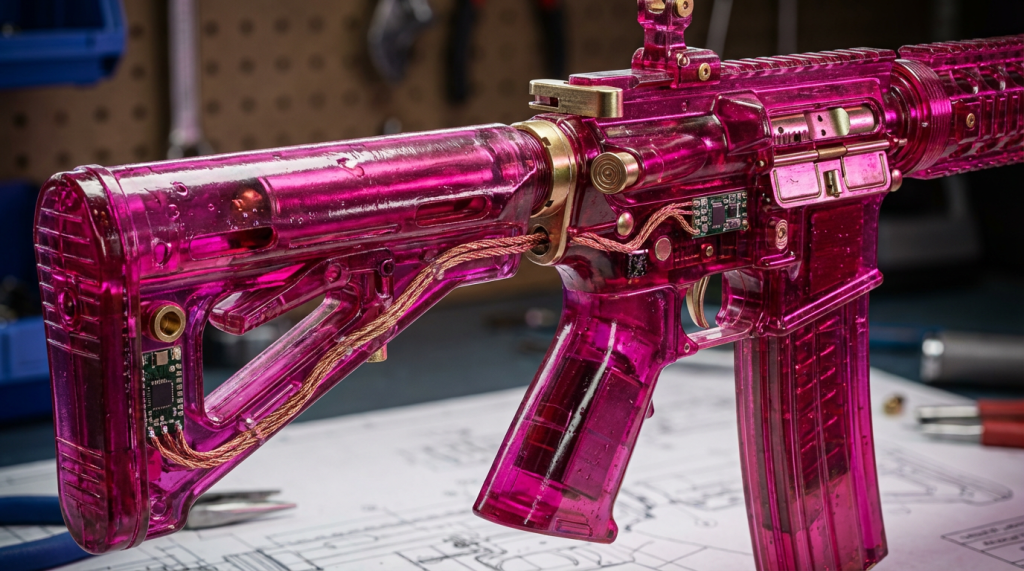
These specific assets—ranging from key props to symbolic elements—were developed through an automated pipeline that pulls visual data directly from the project’s plot and my art direction documents. By anchoring the creation of every object to the narrative’s ‘DNA,’ I’ve established a scalable mechanism that ensures every detail is perfectly aligned with the story’s world. This approach removes the manual overhead typically associated with asset design, allowing for rapid, high-fidelity iteration while maintaining absolute conceptual consistency throughout the production.
 Cocothinks